Smarters Player Lite App Review & How it Works
Many modern media players have become bloated with visual menus, background themes, and detailed posters. While this looks premium, it causes older streaming sticks and budget televisions to lag or crash due to memory leaks. Smarters Player Lite is a lightweight edition developed specifically to bypass these issues. In this review, we test its performance.
1. Why Choose a Lite Player?
Smarters Player Lite strips away background processes and focuses strictly on decoding and playbacks. It requires 60% less RAM than the standard version. It is an excellent choice for low-end Android boxes and first-generation Firesticks. For a review of the standard app, check out our IPTV Smarters Pro review.
2. Interface Layout and Design
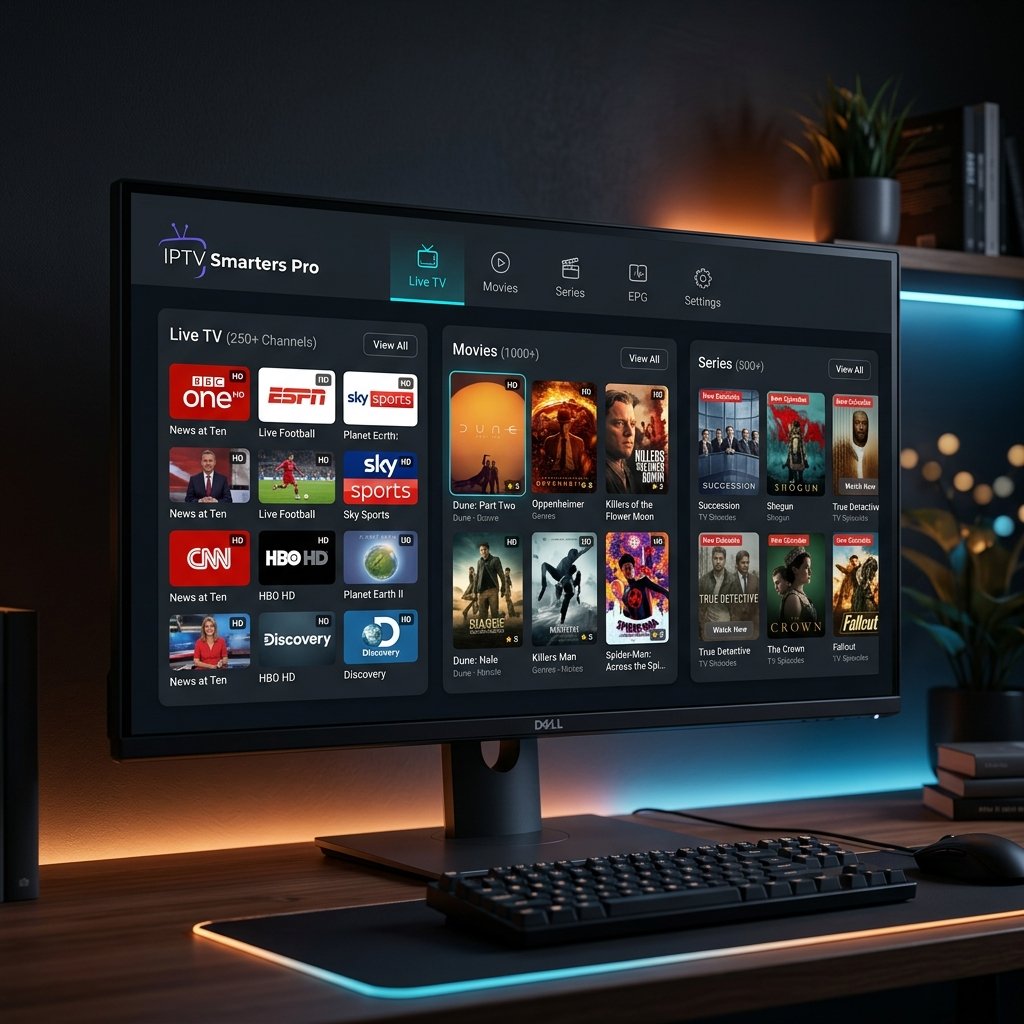
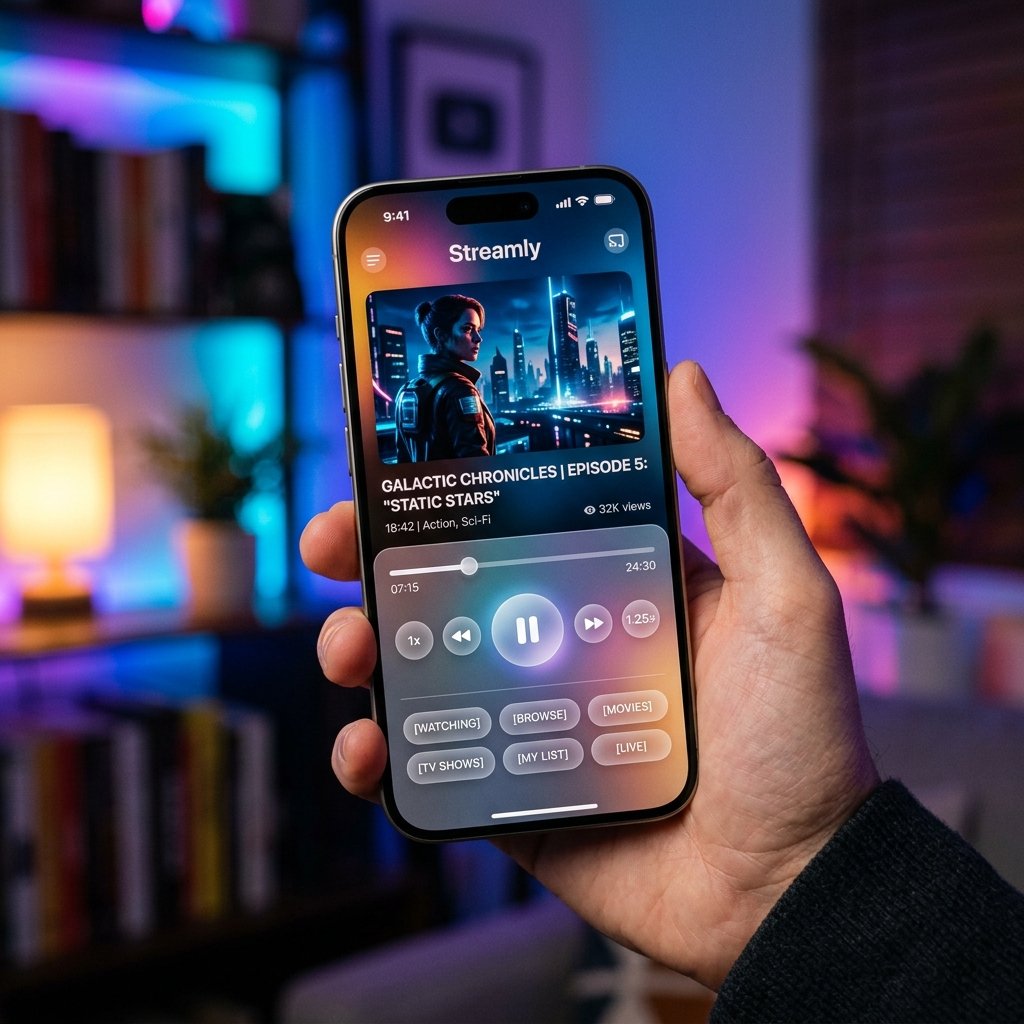
The interface of Smarters Player Lite is clean and minimal. It features simple button links for Live TV, Movies, and Series. While it lacks the visual detail of other players, its simplicity ensures it launches instantly. If you need iOS specific guides, read our review of GSE Smart IPTV for iOS.
3. Key Benefits and Memory Management
Key advantages of Smarters Player Lite:
- Low RAM Usage: Runs smoothly on older streaming sticks without crashing.
- EPG XMLTV Manager: Syncs schedule data. If EPG shows "No Information", see how to fix EPG on IPTV.
- Fast Parsing: Loads massive playlists in seconds. See GSE IPTV Player review for comparison.
- Xtream API Support: Easy connection configuration.
4. Step-by-Step Setup Guide
Setting up Smarters Player Lite is simple:
- Install Smarters Player Lite from the Google Play Store or sideload it using Downloader. For Firestick setup details, see how to set up IPTV on Firestick.
- Open the app and select the Xtream Codes login option.
- Enter your username, password, and portal URL, then click "Add User".
- Wait for the loading screen to complete and click on Live TV.
5. Final Verdict and Rating
Smarters Player Lite is the absolute best choice for older devices. Combined with the best IPTV subscription in the UK, you will enjoy a stable, high-performance streaming environment. If you do face buffering, refer to how to fix IPTV buffering issues.
Alex Miller
IPTV expert with +10 years of experience in streaming technology. He specializes in IPTV setups, troubleshooting, and sharing tips for seamless streaming.